Knowledge Base

How to Create a Sub Domain in DirectAdmin

DirectAdmin Logo

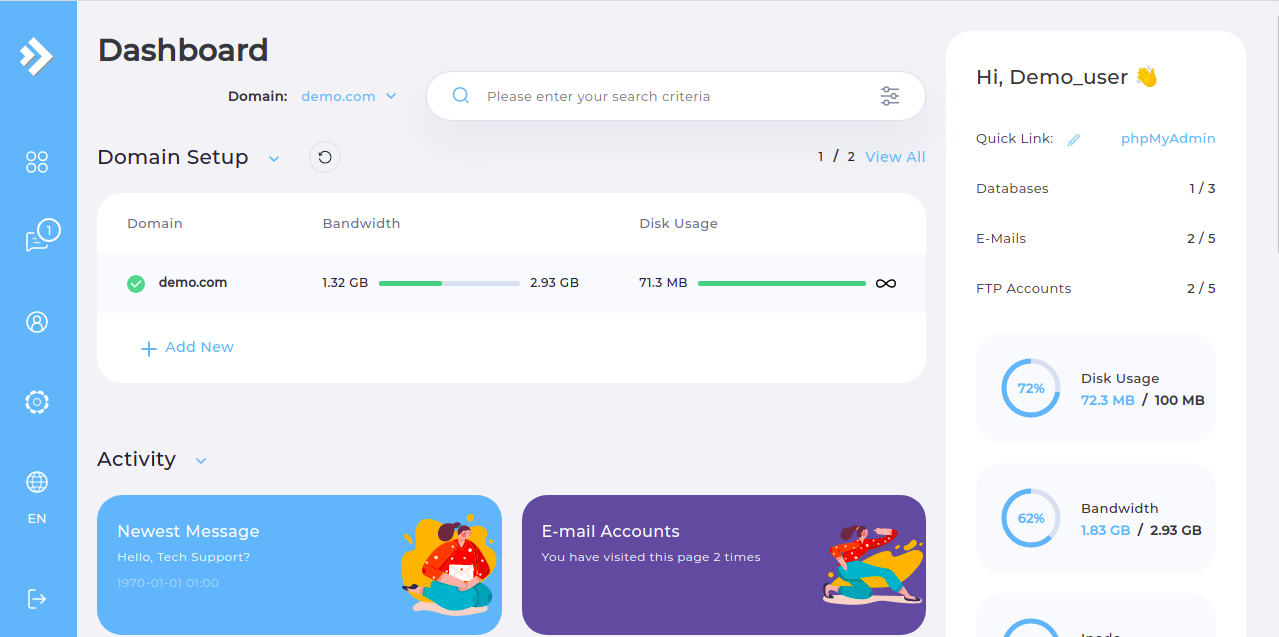
  • Step 1. Log in to the DirectAdmin control panel.

DirectAdmin Main Page

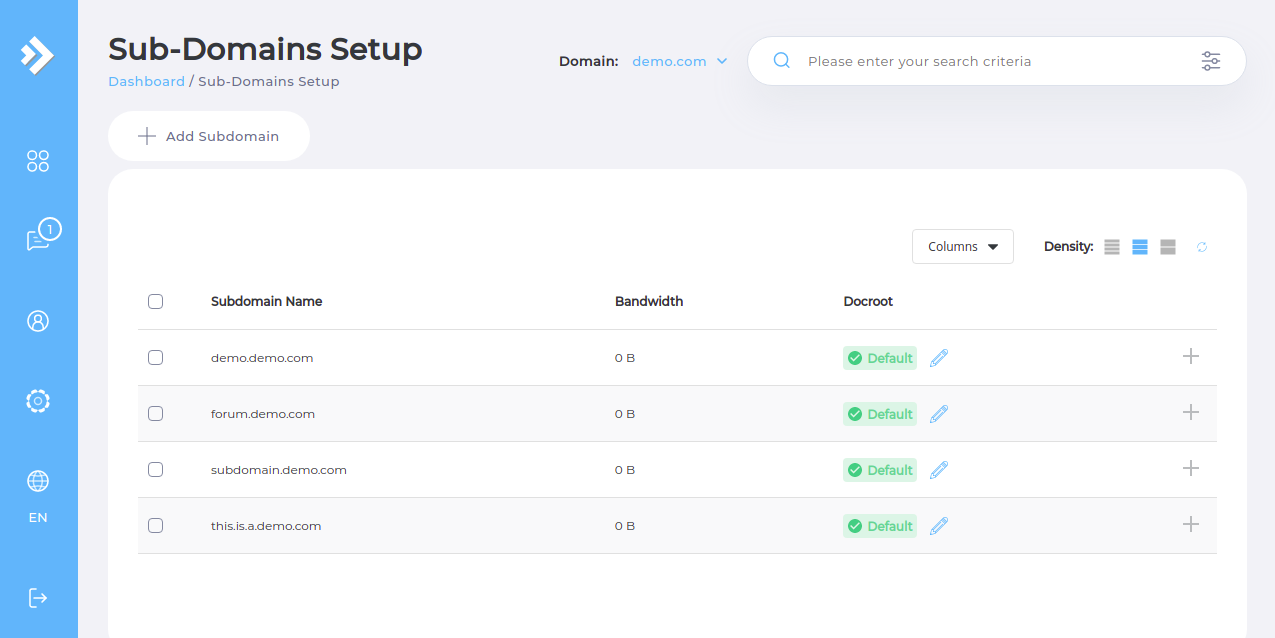
  • Step 2. Navigate to the "Subdomain Management" page from the "Account Manager" subsection.

DirectAdmin Subdomain Setup

  • Step 3. Click the "Add Subdomain" button.

DirectAdmin Add Subdomain Button

  • Step 4. Enter the subdomain you want to use without including the already existing primary domain.

  • Step 5. Click the "Add Subdomain" button.

Now the subdomain will be added to your virtual host file and DNS zones.

Please rate this article to help us improve our Knowledge Base.

0 0