Knowledge Base

How to Change an Email User Password in DirectAdmin

DirectAdmin Logo

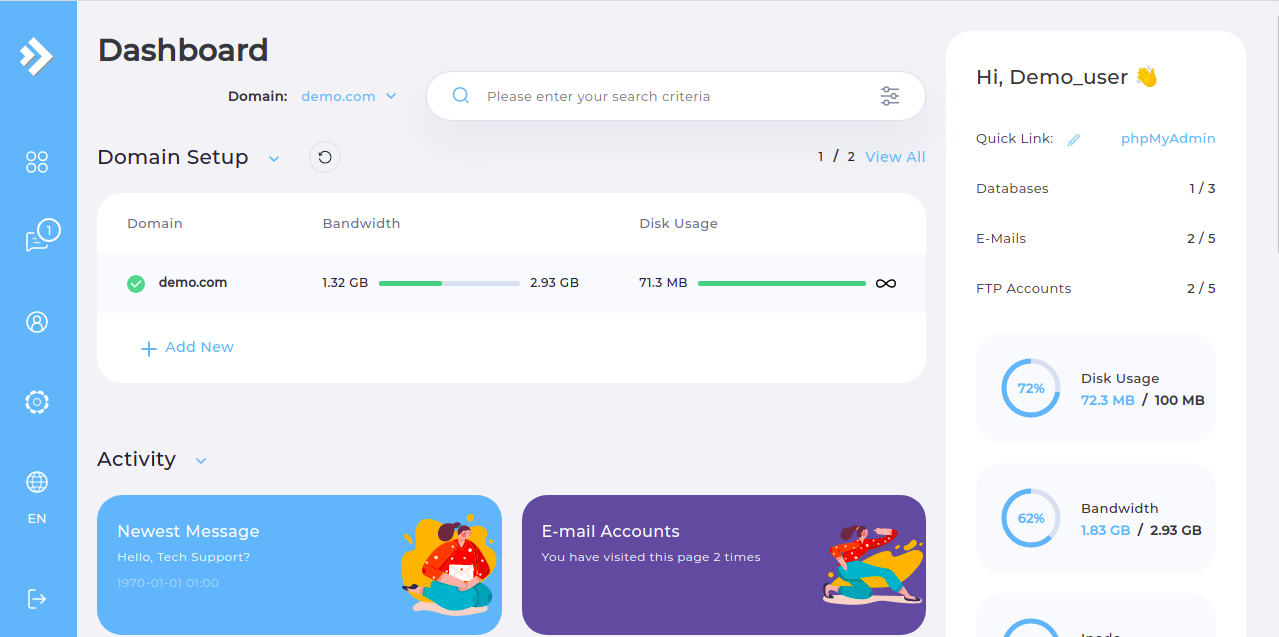
  • Step 1. Log in to the DirectAdmin control panel.

DirectAdmin Main Page

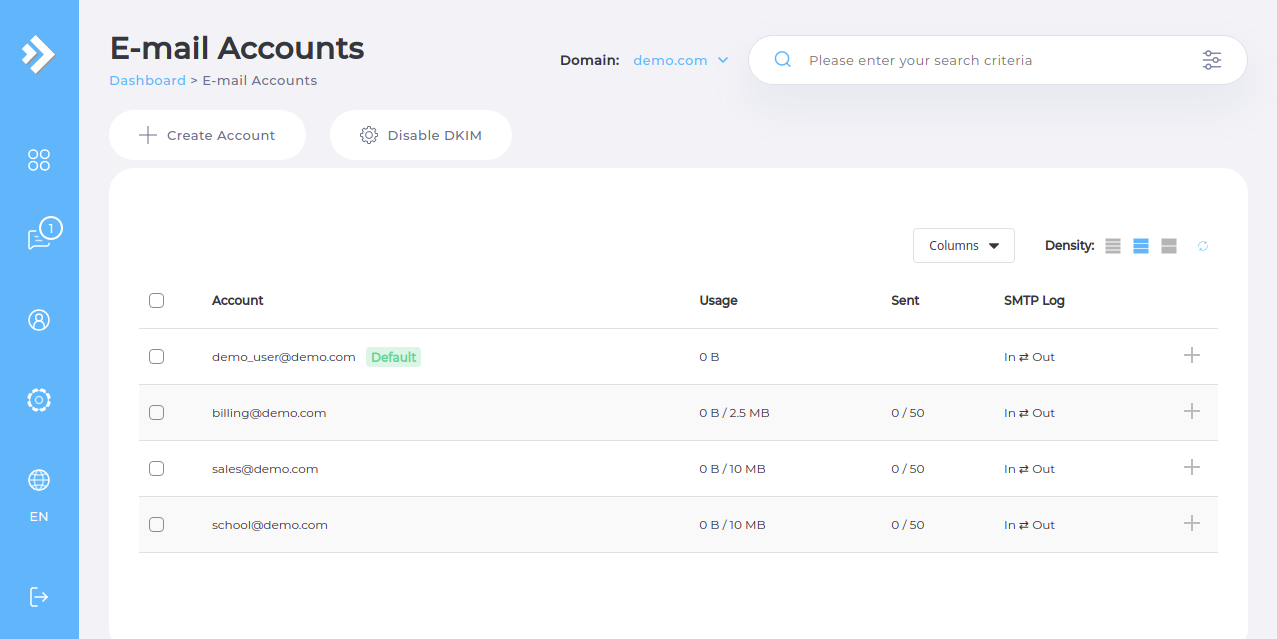
  • Step 2. Navigate to the "E-mail Accounts" page from the "E-mail Manager" subsection.

DirectAdmin Email Accounts

  • Step 3. Select the add/plus symbol next to the email address you want to change the password for.

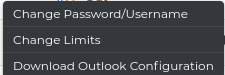
  • Step 4. Click the "Change Password" button.

DirectAdmin Email Password Change

  • Step 5. Enter your current password and then your desired password.

  • Step 6. Finally, once you have filled in all of the required details click the "Submit" button.
Please rate this article to help us improve our Knowledge Base.

0 0