How to Create an SQL Database in DirectAdmin

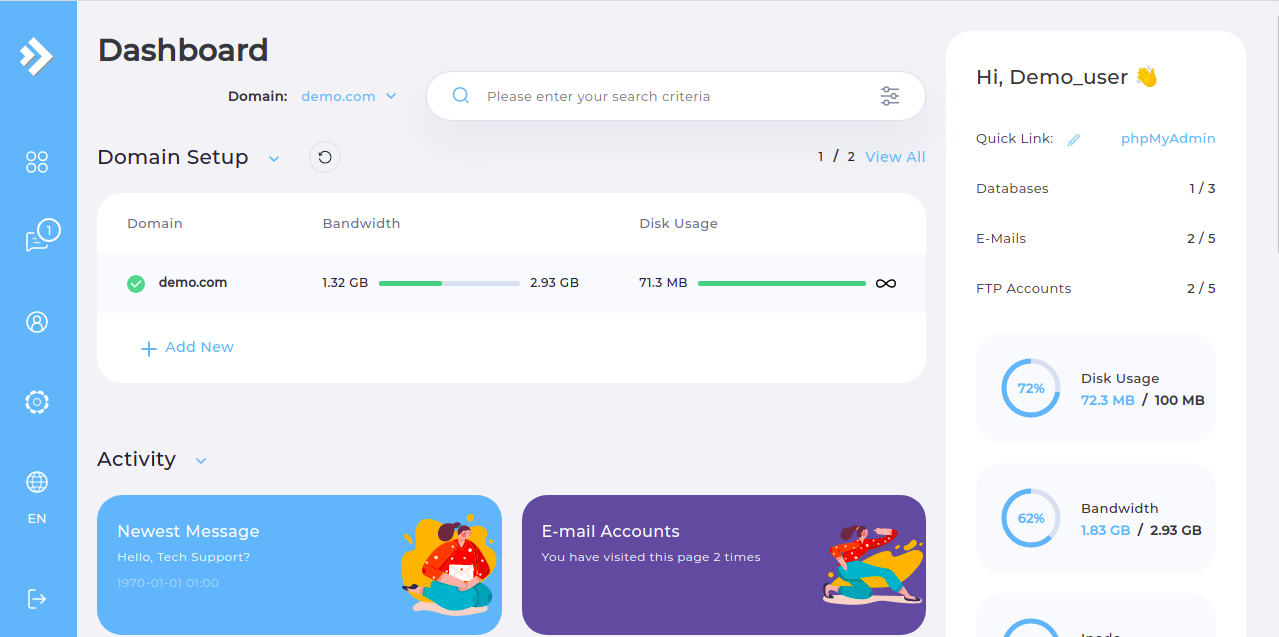
- Step 1. Log in to the DirectAdmin control panel.
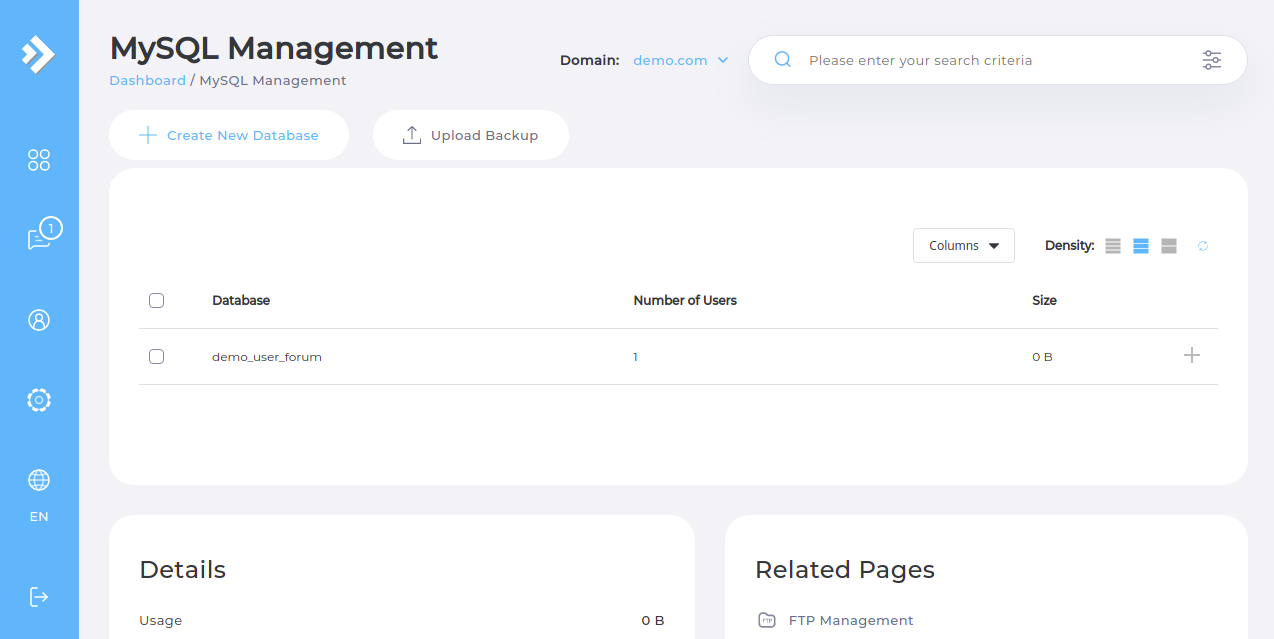
- Step 4. Enter your database name and database username or you can click the checkbox to name them the same.

- Step 5. Enter your database password or create a randomly generated password.

- Step 6. Click the CREATE DATABASE button.

Please rate this article to help us improve our Knowledge Base.
