Knowledge Base

How to Create a Website Backup in DirectAdmin

DirectAdmin Logo

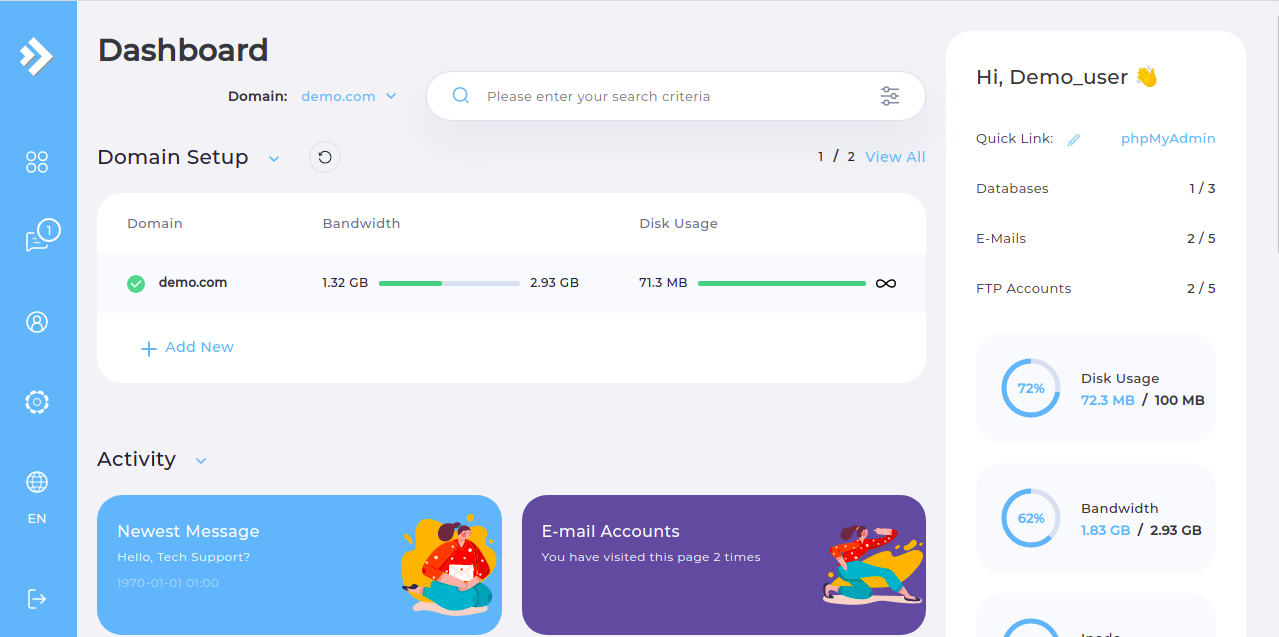
  • Step 1. Log in to the DirectAdmin control panel.

DirectAdmin Main Page

  • Step 2. Navigate to the "Create/Restore Backups" page.

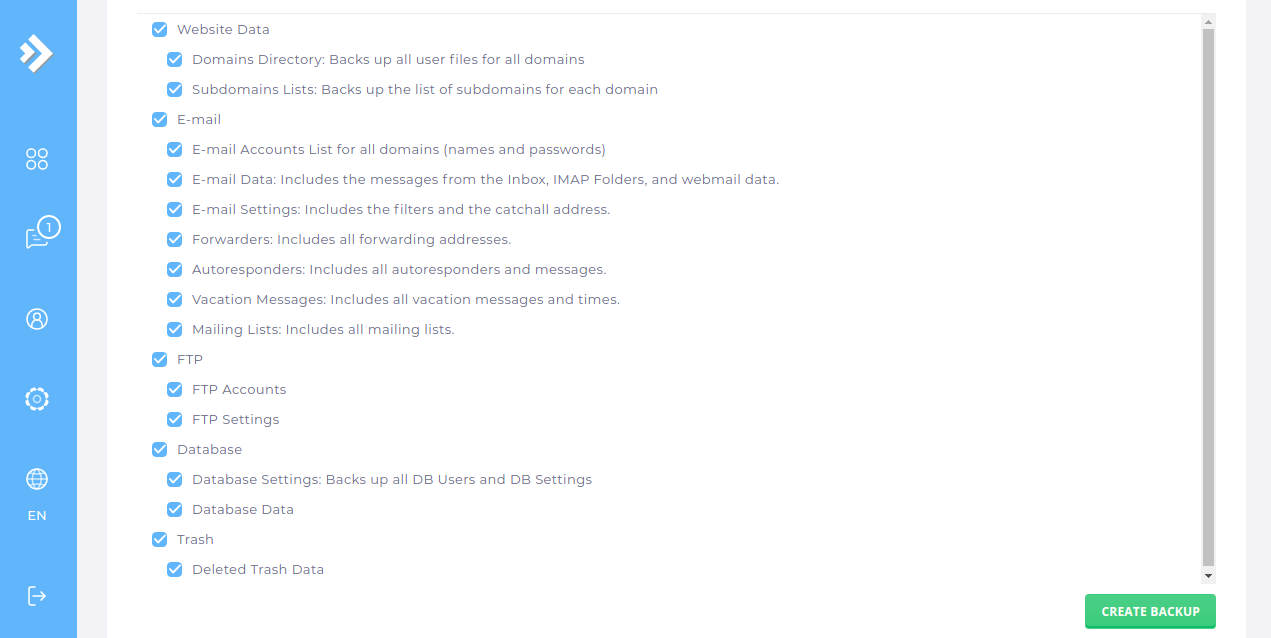
DirectAdmin Backup Page

  • Step 3. Configure your backup by choosing specific or all domains and data.

  • Step 4. Scroll down and click the "CREATE BACKUP" button.

Backup files are stored in the "user_backups" directory within the file manager.

Please rate this article to help us improve our Knowledge Base.

0 0