Knowledge Base

How to Delete an SQL Database in DirectAdmin

DirectAdmin Logo

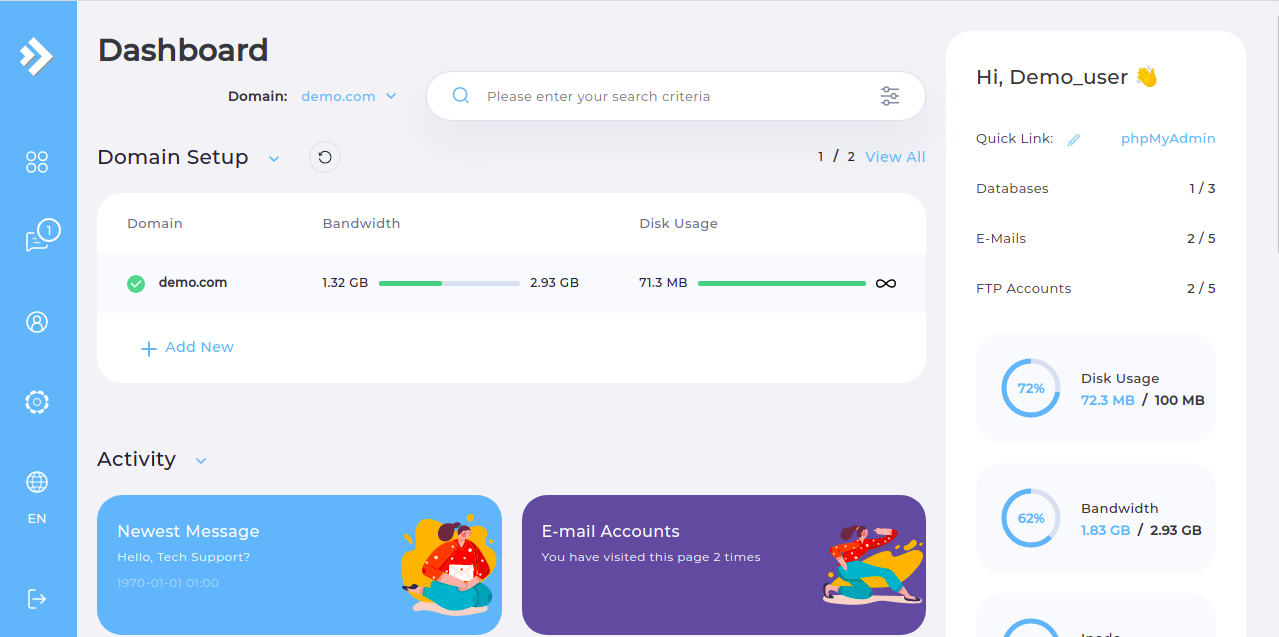
  • Step 1. Log in to the DirectAdmin control panel.

DirectAdmin Main Page

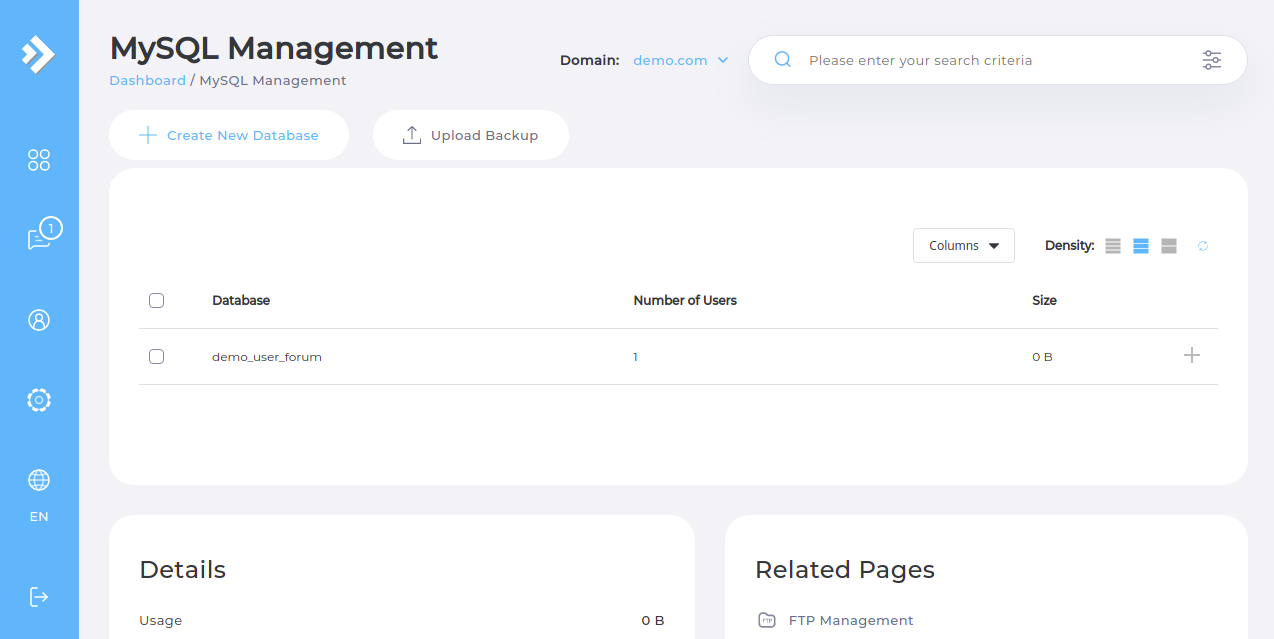
  • Step 2. Navigate to the "MySQL Management" page.

  • Step 3. Select the checkbox next to the database you want to delete.

  • Step 4. Click the "Delete" button.
Please rate this article to help us improve our Knowledge Base.

0 0