Home
Order
Order
Order History
Support
Tickets
Knowledge Base
Log In
Knowledge Base
Search
Home
DirectAdmin
How to Delete an Email Account in DirectAdmin
How to Delete an Email Account in DirectAdmin
Step 1.
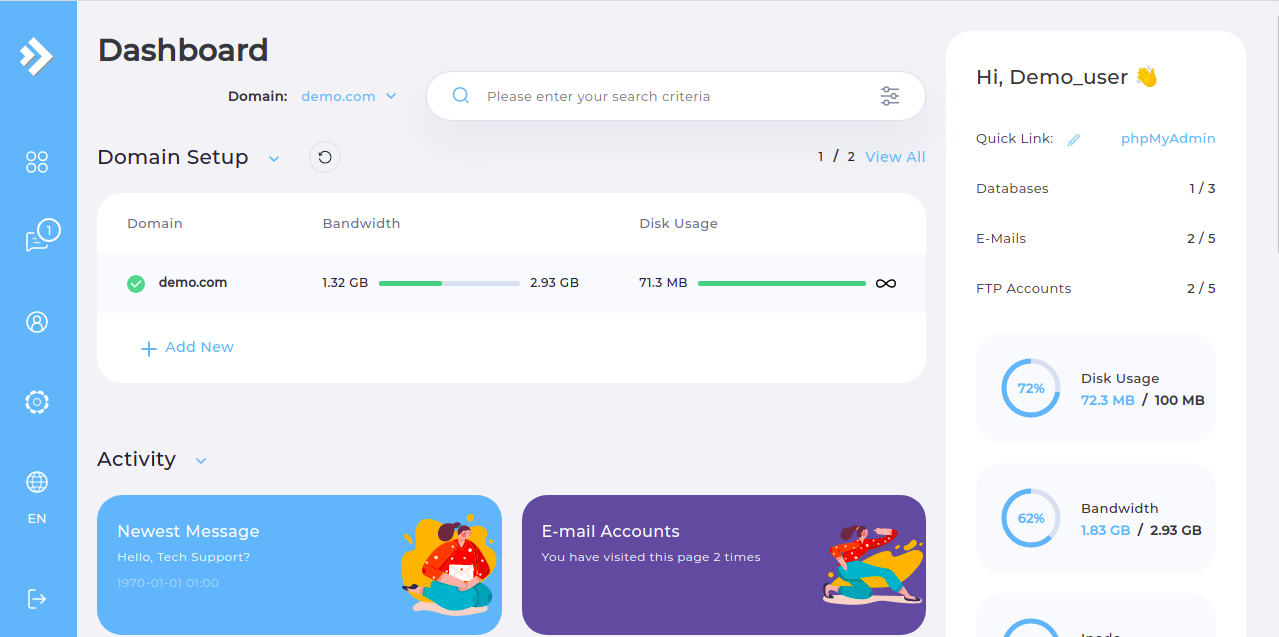
Log in to the DirectAdmin control panel.
Step 2.
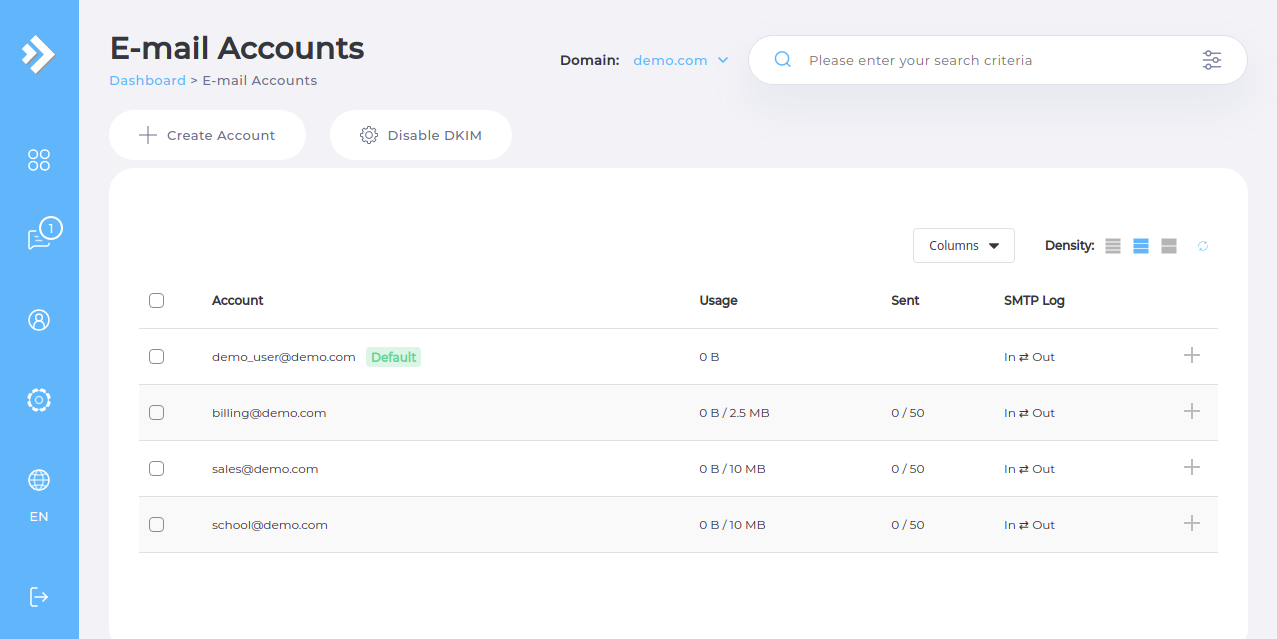
Navigate to the
"E-Mail Accounts"
subsection.
Step 3.
Select the email account that you want to delete.
Step 4.
Click the
"Delete"
button.
Please rate this article to help us improve our Knowledge Base.
0
0
Thank you for voting on this article!
×