

Knowledge Base

How to Generate a Let's Encrypt SSL in DirectAdmin

DirectAdmin Logo

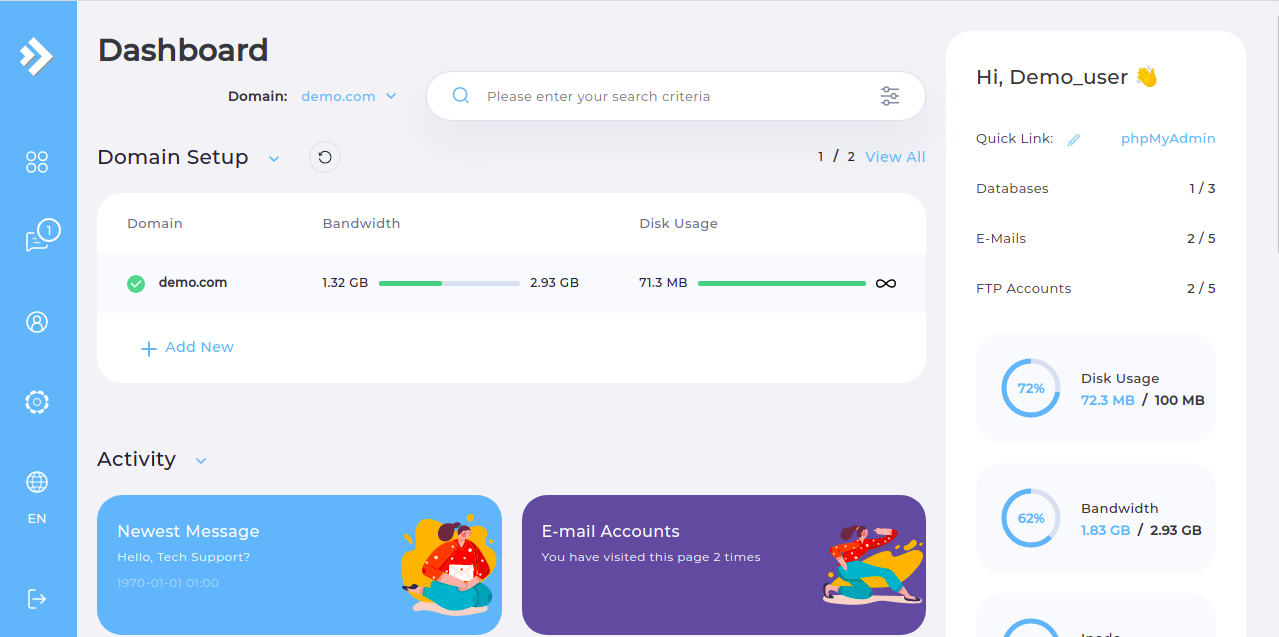
  • Step 1. Log in to the DirectAdmin control panel.

DirectAdmin Main Page

  • Step 2. Navigate to the "SSL Certificates" page.

Note: Before you continue, ensure that your domain is correctly pointing to your DirectAdmin hosting account.

  • Step 3. Select the "Free & automatic certificate from Let's Encrypt".

  • Step 4. Select the subdomains you want to generate a certificate for or generate a wildcard certificate.

  • Step 5. Click the "Save" button.
Please rate this article to help us improve our Knowledge Base.

0 0