Knowledge Base

How to Restore a Website Backup in DirectAdmin

DirectAdmin Logo

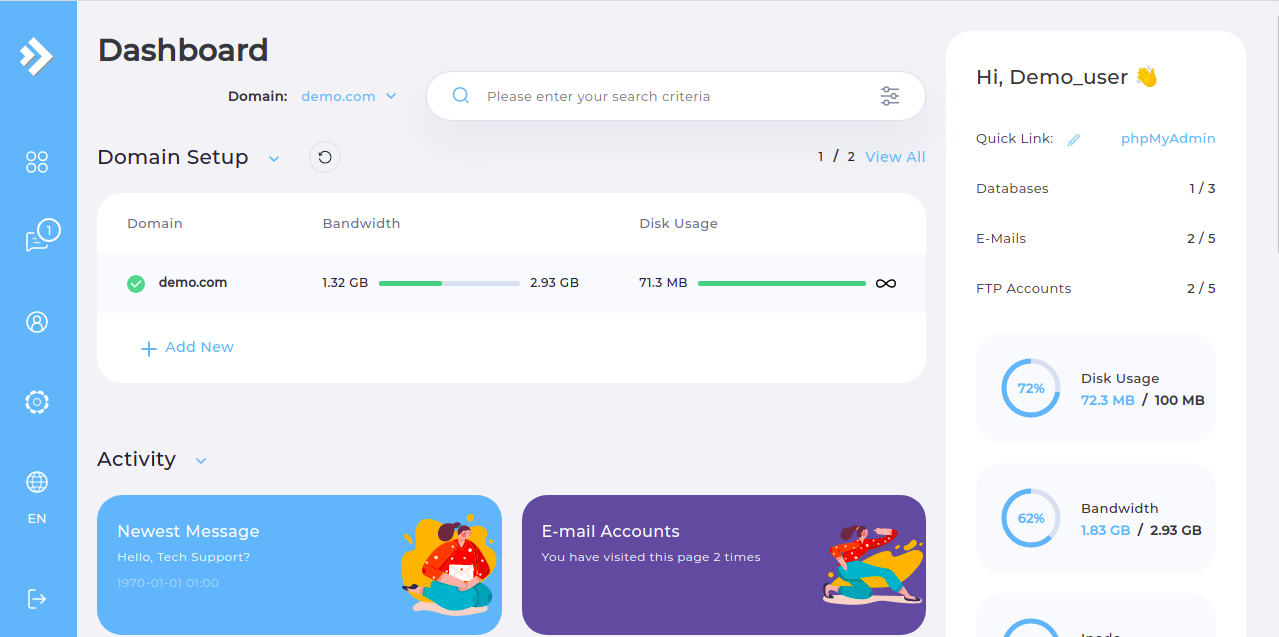
  • Step 1. Log in to the DirectAdmin control panel.

DirectAdmin Main Page

  • Step 2. Navigate to the "Create/Restore Backups" page.

DirectAdmin Backups Page

  • Step 3. Click the "RESTORE BACKUP" button.

  • Step 4. Select the backup file you wish to restore.

Note: If you haven't yet uploaded a backup, simply use the File Manager to upload it to the user_backups directory.

  • Step 5. Click the "Restore" button.
Please rate this article to help us improve our Knowledge Base.

0 0